Platform modules
PDF to MusicXML with editable notes
Module
PDF and image upload
Start with a score PDF or a clear image, including scanned pages.
Module
Read printed notes
Recognize pitches and rhythms from the printed staff notation.
Module
Fix recognition mistakes
Check the original alongside the score and correct notes and measures.
Module
Download MusicXML
Export the corrected notation as MusicXML for another score editor.
Real product example
One score, structured input and reusable output
Captured from an existing product score workspace. PDF recognition quality is evidenced by the separate OMR comparison capture and remains subject to correction. Captured: Aug 29, 2026.
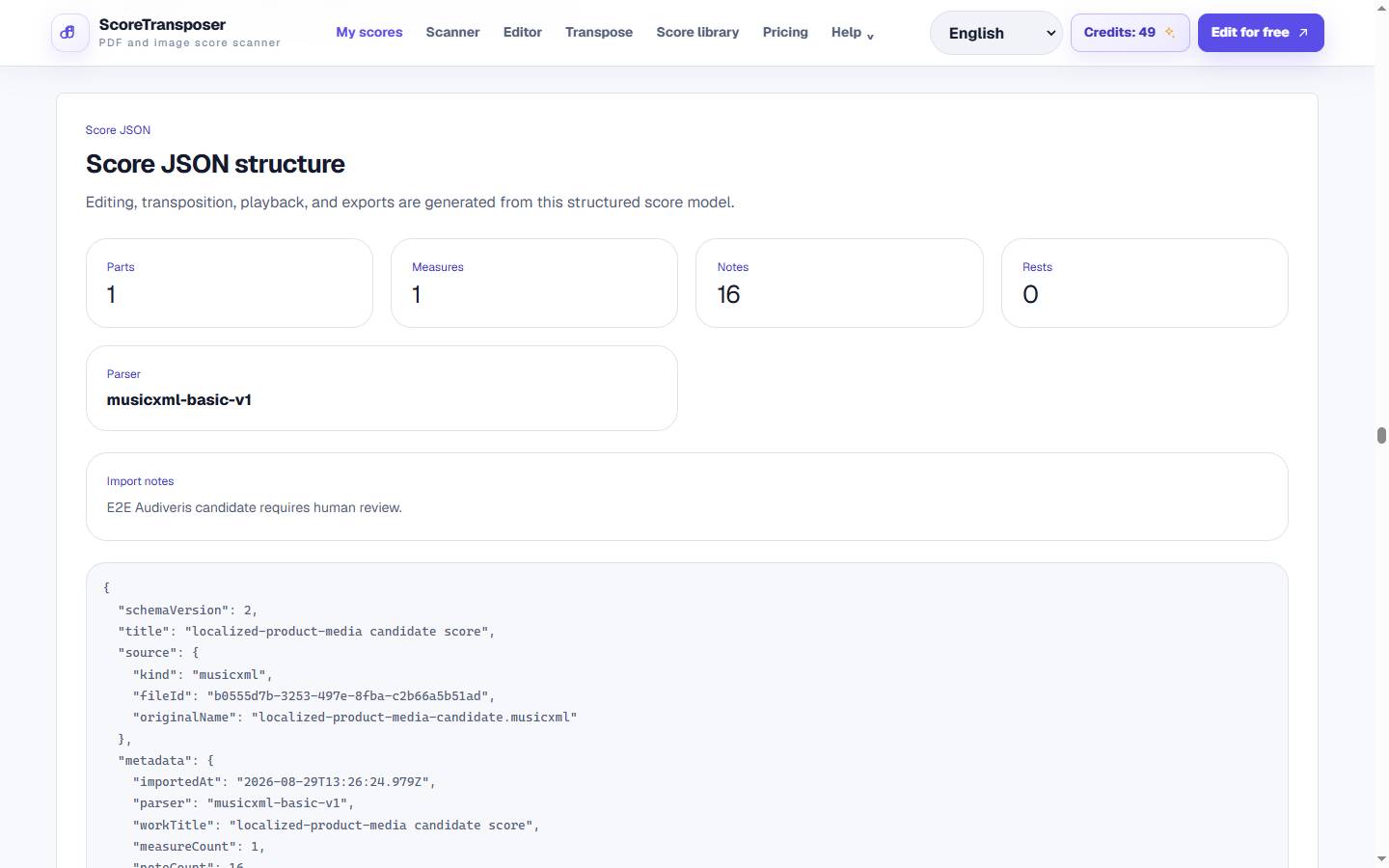
The source and OMR diagnostics remain attached so recognition mistakes can be corrected before MusicXML export.
Workflow
How to convert a PDF to MusicXML
Upload a PDF or sheet music image
Start with a PDF, PNG, JPG, WebP, or TIFF score that you have permission to process.
Convert PDF to MusicXML
The converter recognizes printed notes and rhythms and turns them into an editable score. You can compare the result with the source before saving your corrections.
Review, correct, and export
Check notes, rhythm, key signatures, measures, lyrics and symbols in the sheet music editor, then download the corrected MusicXML file.
Once recognition finishes, correct individual notes in the sheet music editor, transpose sheet music to the key you need, then export sheet music to MIDI for playback. For photo preparation, see the sheet music scanner.
Product detail
Fix the notes OMR got wrong
Image to MusicXML uses the same workflow
FAQ
FAQ
Practical limits and the expected workflow for this score tool.
Can it read handwritten sheet music?
The PDF to MusicXML converter does not reliably recognize handwriting. Use clearly printed staff notation. If your source is handwritten, first enter the notes in a notation editor or as structured Jianpu.
How accurate is the PDF import?
Accuracy depends on the source. Clear printed notes are easier to recognize than faint scans, dense chords or unusual symbols. There is no guaranteed accuracy percentage; compare pitches, rhythms and measures with your PDF and correct errors before export.
What if the file is a scanned image?
A PDF made from scanned pages can still be processed with optical music recognition. You can also upload PNG, JPG, WebP or TIFF directly. The scan does not need selectable text, but the staff lines and noteheads must be readable.
Can I open the MusicXML file in another notation editor?
MusicXML is the notation interchange format used for export. Import the downloaded file into your preferred MusicXML-compatible editor, then check layout and unusual symbols because applications can interpret those details differently.
Related workflows
Continue with the same score project
These pages use the same MusicXML and Score JSON source instead of sending the score through disconnected converters.